Our first project
To-do
Create a 3D empty project using Unity Hub.
Add a cube to your Scene.
Test the Scene tools (hand, move, rotate etc.) & the navigation methods.
Test the Game view. Move & rotate the camera to see the cube.
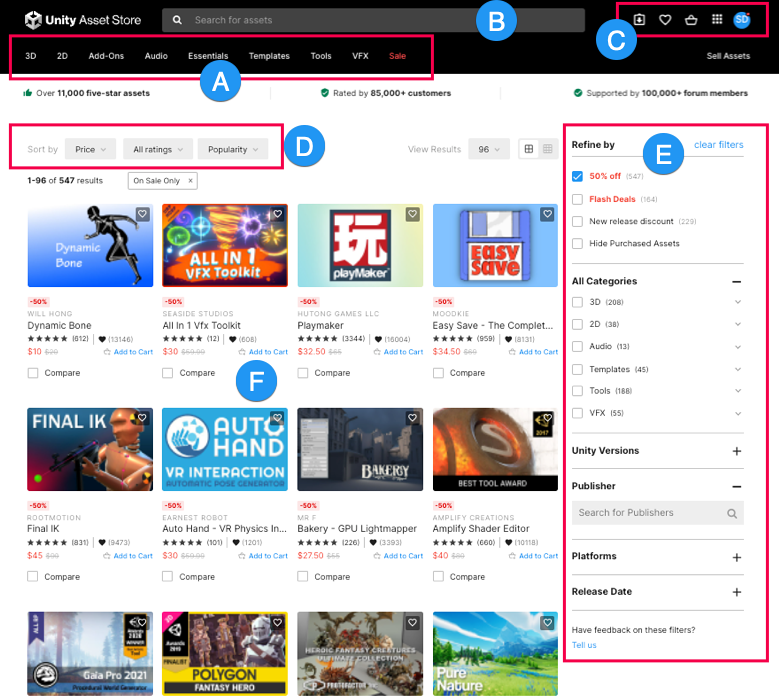
Access the Asset Store: open a web browser and go to https://assetstore.unity.com/.
Import this armchair to your project and add it to your Scene.
Create new Materials and drag & drop them to your armchair.
Experiment a bit on your own and ask questions :)
Homework
Using only free 3D objects from the Asset Store to populate the scene, create a nice environment & come up with a context/story for it.
E.g.: Add a big fancy library, a ton of books, two tables, some random candles, a fluffy rug and a hidden cat, and say that this is the home office of our main character, Mr. Louis, who is a best-selling author. His only family is his cat, Lady Chuckles, that loves taking naps next to him while he works...
Note: Exercise navigating through the scene & manipulating objects: rotate them, change their sizes, experiment with materials etc. Be as creative as possible while designing the scene & have fun! <3